
See Real AI in Action - Smarter Workflows, Faster Results
Discover 8 smart AI + automation use cases solving real business problems. (Below)
Whether you're a solo operator or scaling team, each automation workflow shows how AI tools — when paired with Make.com — can eliminate manual work, streamline tasks, and deliver results 24/7.
See the Use Case #1 - #8 Summaries below and explore the "Deep Dive" showing them "In Action", further down . . . . .......

Use Case #1
Never Miss a Lead Again! (Even While You sleep)
Problems It Solves
Website inquiries missed after hours
Tools Used
Use Case #2
Call Us Anytime – Automated Lead Capture by Phone
Problems It Solves
Missed phone calls cost you leads
Tools Used

Use Case #3
Turn FAQs into Sales – Auto Generated Explainer Videos
Problems It Solves
Repetitive questions waste staff time
Tools Used
Use Case #4
Auto-Create Folders, Docs & Alerts for Clients
Problems It Solves
Onboarding setup takes too long and is error-prone
Tools Used
- #Make.com
- #ChatGPT
- #Google Drive
- #Google Sheets
Use Case #5
Smart Meeting Summary + Follow-Up Builder
Problems It Solves
Meetings end without clear takeaways or follow-up
Tools Used
- #Make.com
- #ChatGPT
- #Google Drive
Use Case #6
The Website That Converts - In Just 3 Minutes
Problems It Solves
Websites take too long to build and often don’t convert
Tools Used
Use Case #7
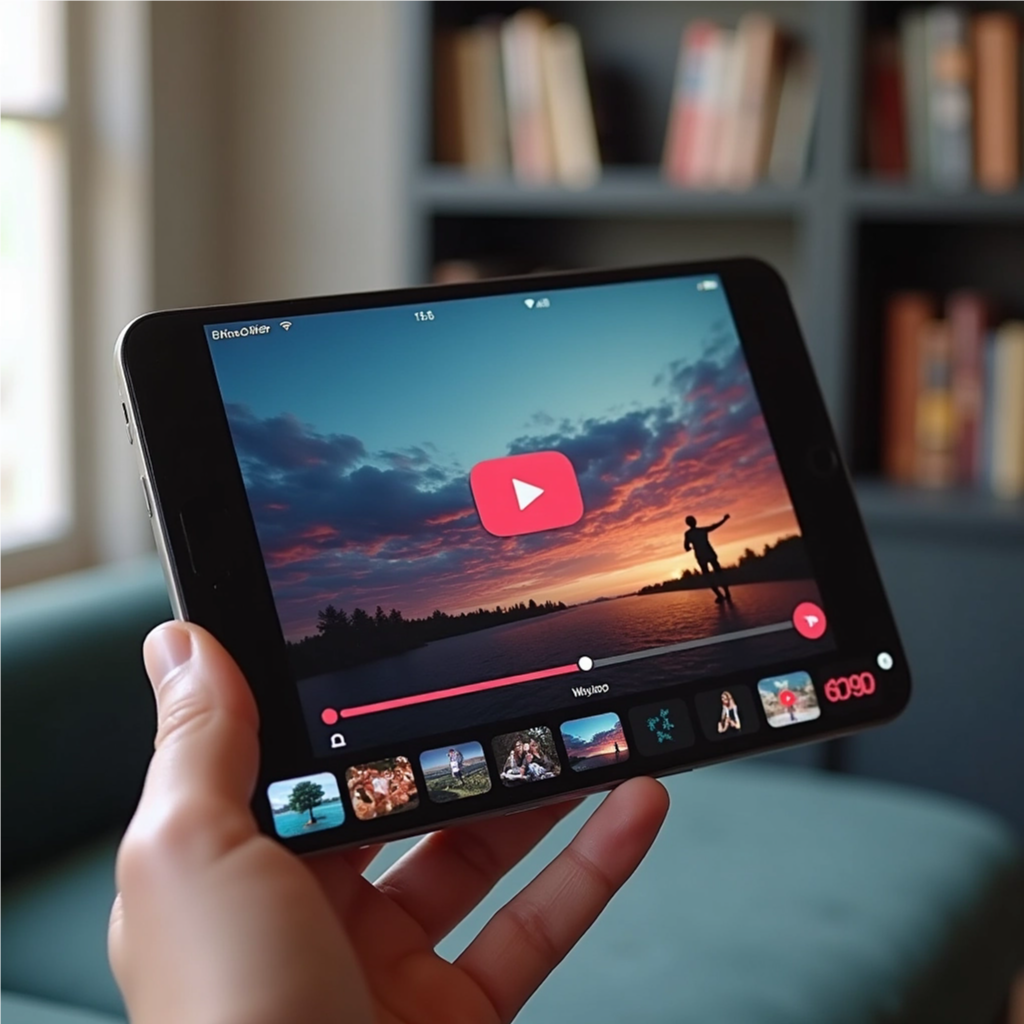
From Photo to Promo – Social Reels in Minutes
Problems It Solves
Static images don’t perform well on social media
Tools Used
Use Case #8
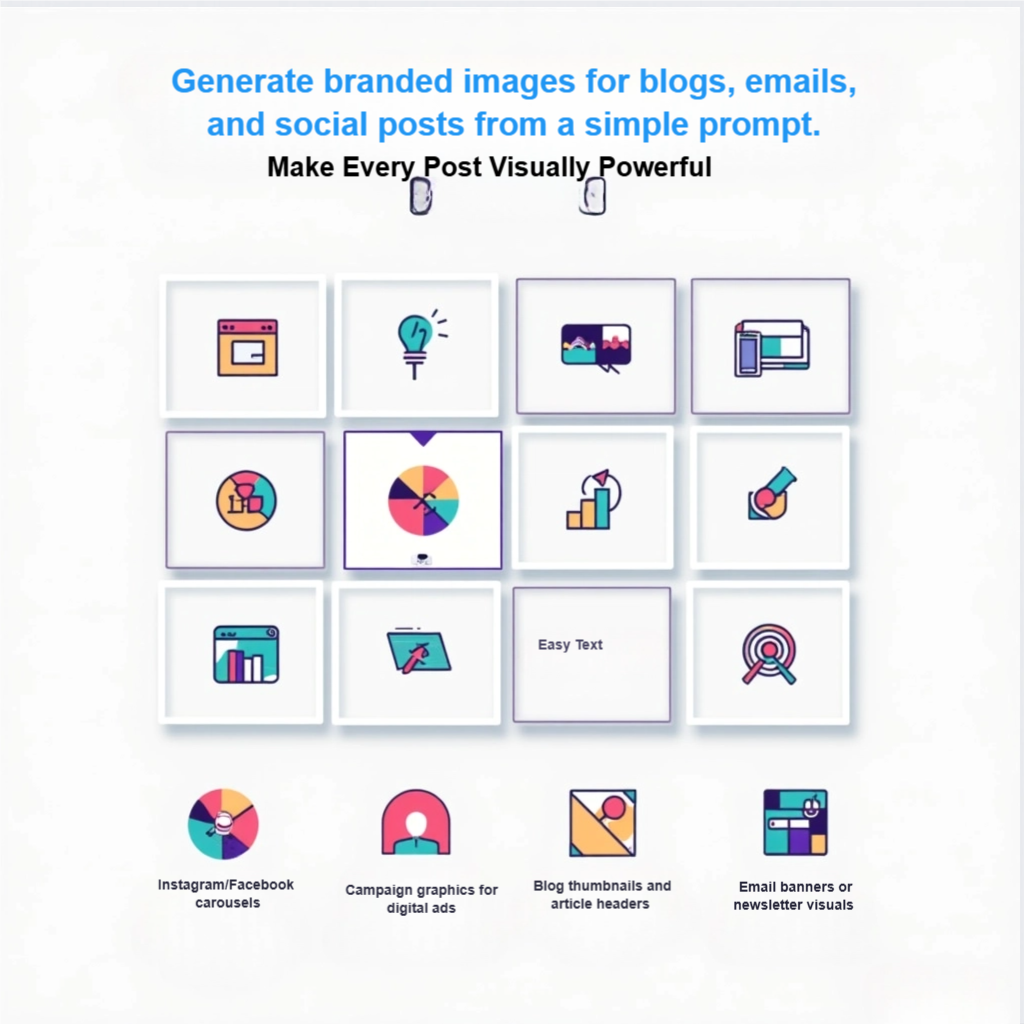
From Blog to Branded Graphics – Auto-Create in Seconds
Problems It Solves
Great content underperforms without eye-catching visuals
Tools Used
- #Multi-Style Image Generator
- #Brand Overlay
Explore the AI Demo Gallery
(below)
Use Case #1 - Never Miss a Lead Again (Even when asleep)
Capture website leads 24/7 — even while you sleep. This AI chat agent qualifies inquiries, routes them to the right place, and books appointments automatically.
Tagging
Primary# - Workflow Automator
Secondary# - Lead Capture
Problem It Solves.
Website inquiries missed after hours.
AI Tools Used
What You’ll See
How a trained AI chat agent instantly handles website leads, asks the right qualifying questions, and automatically triggers a workflow to book an appointment or send the inquiry to the right person.
See it in action
- A customer visits the site at 2am
- The AI chat agent offers help
- Captures lead info and reason for visit
- Sends details via email and books appointment
Key Benefits
- 24/7 AI chat agent greets every visitor
- Instantly captures name, issue, and contact details
- Automatically books appointments or sends alerts
- No more missed leads overnight or on weekends
Use Cases
- Website lead capture
- After-hours sales support
- Service-based businesses (e.g., plumbing, legal, consulting)
- Solopreneurs with limited availability

Use Case #2 - Call Us Anytime – Automated Lead Capture by Phone
Let an AI voice agent answer missed calls, capture intent, and send the details to your inbox or CRM — instantly and accurately.
Tagging
Primary# - Workflow Automator
Secondary# - Lead Capture / Missed Call Automation
Problem It Solves.
Missed business calls after hours, during meetings, or on job sites — resulting in lost leads and frustrated customers
AI Tools Used
- AI Human Voice Agent
- AI Automation Workflows
- (Optional): AI CRM Sync
- AI Spokesperson (for video demo)
What You’ll See
An AI voice agent answers missed calls 24/7, gathers lead details in a human-like tone, and routes the data to your inbox or CRM — even sending follow-ups automatically.
See it in action
- A customer calls after hours.
- The AI voice agent captures their inquiry and sends it directly to your inbox.
Key Benefits
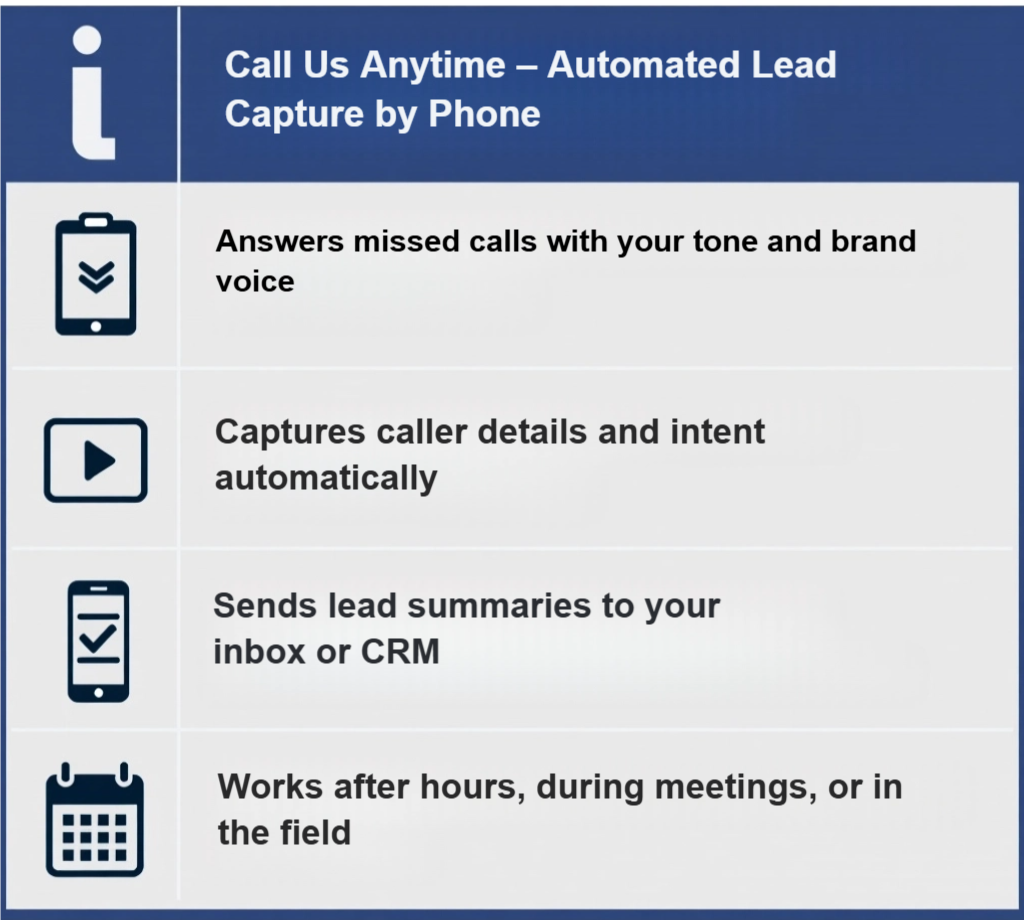
- Answers missed calls with your tone and brand voice
- Captures caller details and intent automatically
- Sends lead summaries to your inbox or CRM
- Works after hours, during meetings, or in the field
Use Cases
- Missed call automation
- Client services and tradespeople
- After-hours phone handling
- Lead capture via voice
Use Case #3 - Turn FAQs into Sales – Explainer Videos from Prompts
Quickly turn FAQ prompts into polished explainer videos — ready to convert viewers on product pages, email funnels, or social media.
Tagging
Primary# - Tool Automator
Secondary# - FAQ Automation / Video Content / Sales Enablement
Problem It Solves.
Answering repetitive questions drains staff time and often leads to inconsistent or incomplete responses — or worse, no follow-up at all.
AI Tools Used
- AI Prompt Video Builder
- (Optional): AI Voiceover (natural speech narration)
- (Optional): AI Spokesperson Video Tool
What You’ll See
A short, branded video is generated from a simple FAQ prompt — turning support answers into polished sales content you can use on product pages, in email funnels, or on social media.
See it in action
- You enter a few support questions.
- A branded explainer video is generated — instantly ready for your product or landing page.
Key Benefits
- Converts repetitive questions into short, professional videos
- Saves staff time and improves customer clarity
- Boosts conversions on product pages and email funnels
- Fast, branded, and multilingual-ready
Use Cases
- Product FAQ automation
- Email nurturing content
- Customer onboarding
- Social media educational posts
Use Case #4 - Auto-Create Client Folders, Docs & Alerts
Automate client onboarding with a single form — create folders, customize docs, and alert your team without lifting a finger.
Tagging
Primary# - Workflow Automator
Secondary# - Client Onboarding / File Management
Problem It Solves.
Every new client needs folders, templates, and task checklists — but doing this manually takes time and often gets delayed.
AI Tools Used
- Make.com
- Google Forms (or Typeform)
- Google Drive
- Google Docs
- Google Sheets
- (Optional): ChatGPT for personalized welcome messages )
What You’ll See
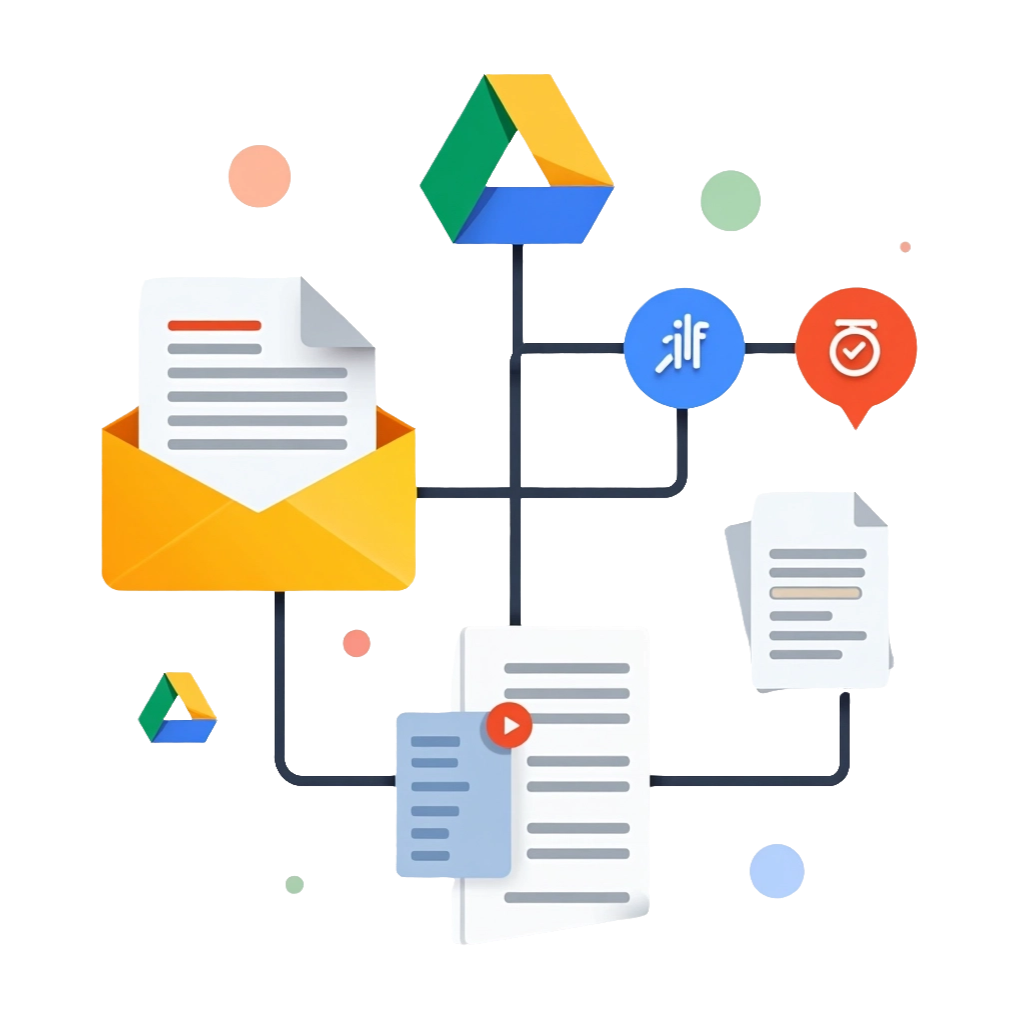
A form submission (e.g., client intake) triggers a Make.com scenario that:
1. Creates a new Drive folder
2. Copies onboarding templates into it
3. Customizes a welcome doc using ChatGPT
4. Sends an email or Slack alert to your team
5. Optionally starts a task list in Google Sheets or ClickUp
.
See it in action
- A client intake form is submitted.
- A new folder, welcome doc, and team alert are created automatically.
Key Benefits
- Auto-generates Google Drive folders and pre-filled docs
- Sends real-time alerts to your team via email or Slack
- Saves hours of manual setup per client
- Keeps onboarding consistent and error-free
Use Cases
- Client intake and onboarding
- Document automation for service providers
- Team coordination alerts
- Google Workspace automation
Use Case #5 - Smart Meeting Summary + Follow-Up Builder
Turn raw meeting notes into clear summaries, action items, and follow-up emails. Never lose track of tasks again.
Tagging
Primary# - Workflow Automator
Secondary# - Meeting Recap / Productivity / Task Management
Problem It Solves.
After meetings, nothing gets recorded, assigned, or followed up — wasting everyone’s time and killing accountability.
AI Tools Used
- Google Meet or Zoom (recording or notes)
- Make.com
- Google Docs or Notion
- ChatGPT API or text summarizer
What You’ll See
Meeting notes or raw transcripts are pulled into Make.com and transformed into:
- A smart summary (ChatGPT-generated)
- Key action items list
- A follow-up doc in Google Docs
- An email sent to attendees
- Optional: Task creation in ClickUp or Sheets
See it in action
- You finish a Zoom or Meet call.
- Within minutes, a smart summary and follow-up doc are in your inbox.
Key Benefits
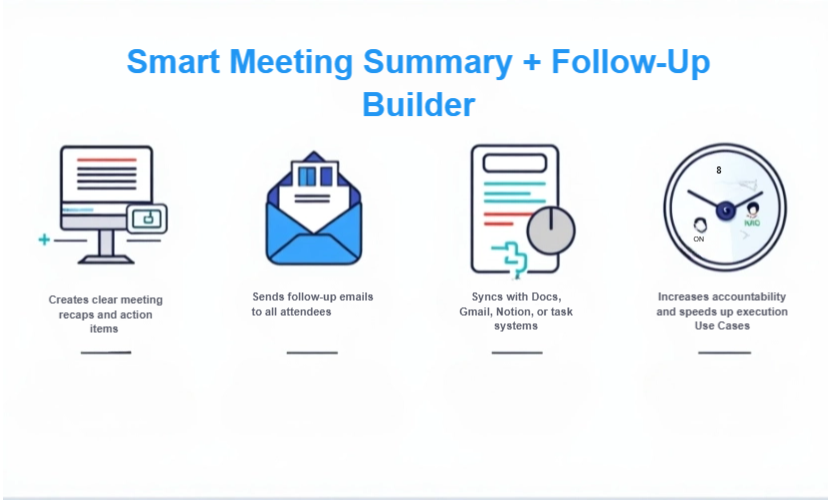
- Creates clear meeting recaps and action items
- Sends follow-up emails to all attendees
- Syncs with Docs, Gmail, Notion, or task systems
- Increases accountability and speeds up execution
Use Cases
- Client or team meeting follow-ups
- Project planning and internal comms
- Remote team productivity
- Task logging from transcripts
Use Case #6 - The 3-Minute Website That Converts Better
Generate a branded, mobile-ready site and AI chat agent from one prompt — without coding or design skills.
Tagging
Primary# - Tool Automator
Secondary# - Website Build / Conversion Optimization / Lead Capture
Problem It Solves.
Business owners waste weeks (or months) trying to launch or update their website — and it still doesn’t convert.
AI Tools Used
- AI Web Builder – layout + branding + mobile-ready sections
- AI Chat Agent – handles Q&A + books leads
- (Optional): AI Copywriter for content suggestions
What You’ll See
An AI-powered builder instantly generates a conversion-ready, mobile-friendly site — and adds a trained chat agent to engage visitors and book leads from day one.
See it in action
- You provide a topic or niche.
- An AI-built website and chat agent are launched — in minutes.
Key Benefits
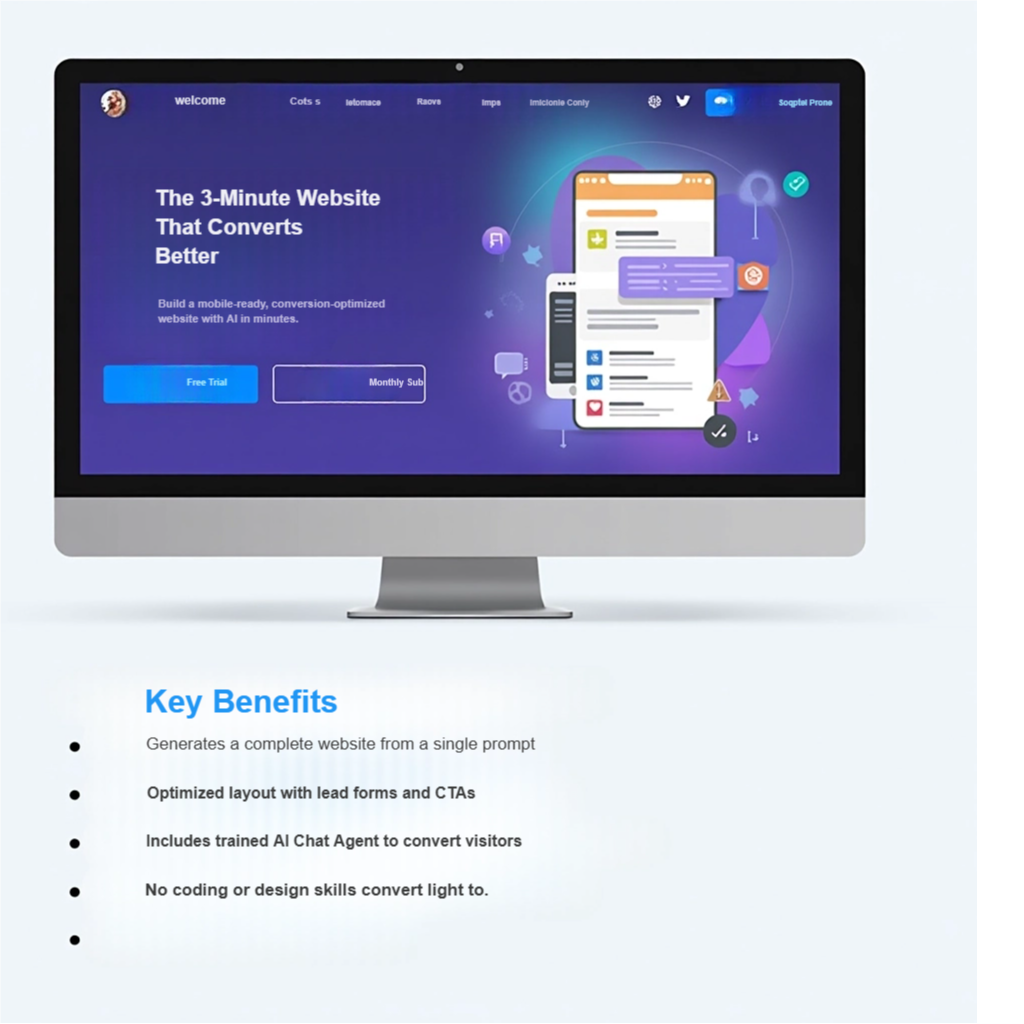
- Generates a complete website from a single prompt
- Optimized layout with lead forms and CTAs
- Includes trained AI Chat Agent to convert visitors
- No coding or design skills needed
Use Cases
- Fast site builds for new businesses
- Website redesigns or landing pages
- Niche sites or product microsites
- Agencies offering Done-For-You setups
Use Case #7 - From Photo to Promo – Social Reels in Minutes
Transform any photo into a branded social reel for Instagram, TikTok, or YouTube — complete with captions, branding, and music.
Tagging
Primary# - Tool Automator
Secondary# - Social Media / Visual Marketing / Video Automation
Problem It Solves.
Creating scroll-stopping social videos is time-consuming, hard to scale, and often requires multiple tools or editors.
AI Tools Used
- AI Photo-to-Video Builder– converts images to dynamic reels
- AI Voiceover or (Optional): Music Generator– adds narration or taglines
- (Optional): Branded Caption Generator – adds text overlays and branding
What You’ll See
With just a photo and a prompt, the AI transforms static content into animated, branded reels ready for Instagram, TikTok, and YouTube Shorts — in minutes.
See it in action
- Upload a photo.
- The AI creates a branded reel — complete with music, text, and motion effects.
Key Benefits
- Creates Instagram/TikTok-ready reels from a single image
- Adds captions, music, and motion effects automatically
- Matches your brand style and colors
- Saves time while boosting engagement
Use Cases
- Product promos for Instagram, TikTok, or YouTube Shorts
- Event teasers or countdown videos
- Social media content for solopreneurs and creators
- Animated testimonials or service walkthroughs
Use Case #8 - From Blog to Branded Visuals – Auto-Create Graphics
Create branded images for social media, blogs, and newsletters — instantly and without design tools.
Tagging
Primary# - Tool Automator
Secondary# - Visual Content / Branding / Design Productivity
Problem It Solves.
Your blog posts and emails lack compelling visuals, and designing custom graphics takes time or expensive tools.
AI Tools Used
- AI Multi-Style Image Generator – converts prompts into styled images
- (Optional): Brand Color Picker / Caption Generator– generate visual variants for each platform
- (Optional): Prompt-to-Template system for different media formats– add logo, colors, fonts to any image
- (Optional): Caption/callout text suggestions
What You’ll See
You enter a topic or headline, and the AI instantly creates a set of visuals — social banners, blog thumbnails, and more — styled to match your brand or preferred look.
See it in action
- Enter a blog title or campaign name.
- The AI instantly generates styled banners, carousels, or thumbnails.
Key Benefits
- Instantly creates custom graphics for any topic or headline
- Produces multiple formats (banners, thumbnails, carousels)
- Matches your brand colors, logo, and style
- No design tools or stock photo sites needed
Use Cases
- Blog thumbnails and article headers
- Instagram/Facebook carousels
- Email banners or newsletter visuals
- Campaign graphics for digital ads