
Discover Our Smartest AI Tools – Save Time, Eliminate Errors, and Scale Faster
Explore the Full AI Toolbox "quick to glance" Tiles
Browse all 8 tools below to find solutions that fit your business needs. Each tool can be used solo or combined in a powerful workflow
For a Deep Dive and to See the Tools in Action just click the "Explore in Action" button (below the "quick to glance" Tiles)
Ai Web Builder
Launch Websites in Minutes
Professional, mobile-friendly sites—powered by Ai and ready to go
Key Benefits
- No-code website creation
- Built-in responsive design
- Quick start with AI-generated layouts
- Download HTML for full control
Use Cases
- Build new business or product sites
- Create landing pages for campaigns
- Develop affiliate or promo mini-sites
- Speed up client site creation for resellers
Use Case #
Use Case #6

Ai Chat Agent
Your 24/7 Smart Assistant
Trained on your Content. Never sleeps. Always helpful.
Key Benefits
- Handles customer questions instantly
- Consistent, on-brand answers
- Trained on your website or documents
- Boosts trust and conversion
Use Cases
- Answer FAQs for service businesses
- Act as lead qualifier or booker
- Provide onboarding guidance
- Support internal teams with SOPs
Use Case #
Use Case #2, Use Case #6

Ai Spokesperson Video
Put a Face to Your Brand
Human-like avatars deliver your message with clarity and emotion.
Key Benefits
- Professional, relatable video without actors
- Dozens of avatars and languages
- Great for landing pages, training, outreach
- Saves time and video production costs
Use Cases
- Sales videos for landing pages
- Internal training videos
- Explainer clips for tools or services
- Personalized outreach for email or LinkedIn
Use Case #
Use Case #3
Ai Photo to Video Builder
Transform Photos into Engaging Videos
Add animations, voiceovers, and effects — no editing skills required.
Key Benefits
- Visual storytelling from plain text or images
- No design or animation skills needed
- Includes voiceover, effects, and transitions
- Perfect for marketing, training, education, socials
Use Cases
- Social media explainers
- Internal SOP training clips
- Highlight business workflows
- Automate video blog content
Use Case #
Use Case #7
Ai Prompt Video Builder
From Prompt to Promo
Type a prompt. Get a fully-edited video with voice, music, and visuals.
Key Benefits
- One-click marketing videos
- Supports multiple languages and styles
- Ai-generated scripts, visuals, voiceovers
- Extremely fast turnaround
Use Cases
- TikTok or Instagram promo videos
- YouTube ad creation
- Video intros for product launches
- Promotional content for resellers
Use Case #

Ai Human Voiceover
Voices That Convert
Natural, expressive voiceovers in dozens of languages and styles.
Key Benefits
- Instantly generate human-quality voice
- Choose tone, gender, accent, speed
- Fits ads, explainers, podcasts, training
- Cheaper and faster than hiring talent
Use Cases
- Voiceovers for explainer or promo videos
- Training modules or online courses
- Voice prompts for IVRs or chat
- Multilingual marketing content
Use Case #
Use Case #2, Use Case #3, Use Case #7

Ai Multi Style Image Generator
Any Image. Any Style
Generate branded images, product concepts, mockups, and more.
Key Benefits
- Create unique images in any style
- Consistent branding with AI prompts
- Perfect for ads, socials, blogs
- Avoid stock photo license fees
Use Cases
- Product mockups for eComm
- Blog or social post graphics
- Ad creatives for A/B testing
- Visuals for presentations or decks
Use Case #
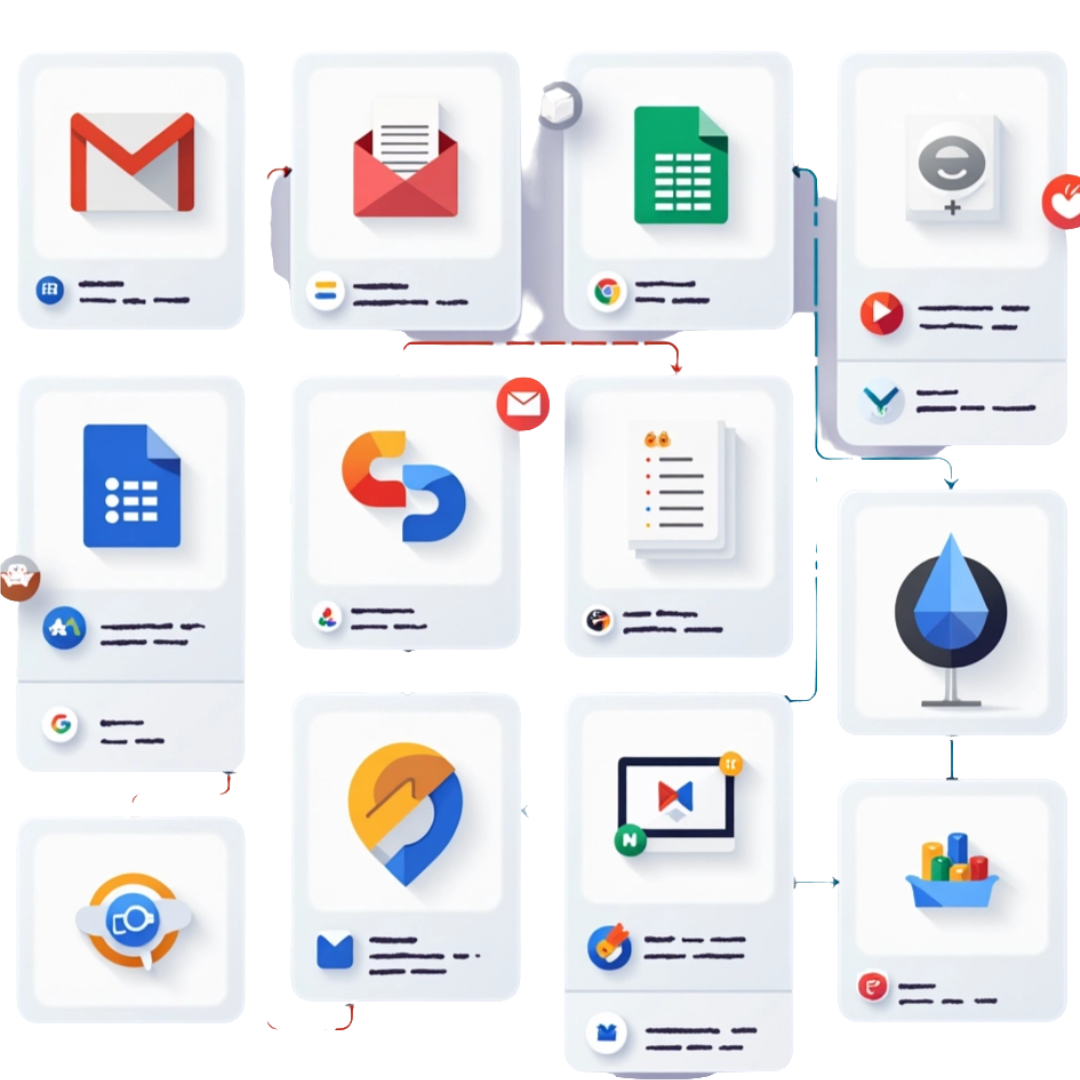
Ai Automation Workflow
Streamline Everything
Use AI to automate tasks across Google Workspace, Notion, CRMs, and more.
Key Benefits
- Connects your tools with smart logic
- Cuts repetitive admin tasks
- Reduces errors and delays
- Customize with Zapier, Make, APIs Use Cases
Use Cases
- Automate form-to-CRM workflows
- Auto-generate reports or emails
- Connect Google Docs + AI summarizers
- Internal ticketing, booking, tracking
Use Case #
New Ai Tool is Coming Soon!
We have built something powerful. Stay Tuned
Stay tuned for more AI automation solutions!
Explore the AI Toolbox Deep Dive
(below)
AI Tool Box: AI Web Builder
Launch stunning, mobile-optimized websites in minutes—no coding needed.
The AI Web Builder lets users generate professional, responsive websites in minutes using simple prompts. It’s ideal for service providers, consultants, and creators who want high-converting websites without coding or design skills.
What is Does
- Builds professional HTML websites from simple text prompts
- Offers dozens of editable templates with AI-powered section generation
- Exports full HTML files or individual blocks for external use
- Enables drag-and-drop editing with integrated media and layout controls
Who It's For
- Entrepreneurs needing fast online presence
- Agencies delivering rapid client sites
- Coaches & consultants wanting personal brand websites
- Freelancers who need simple portfolio or landing pages
How It’s Used
- Type a short prompt to generate a full starter site
- Select a template or section block to customize
- Use the visual editor to update copy, branding, and layout
- Export the finished HTML or host it directly via the platform
Common Pain Points It Solves
- Wasting time setting up hosting and WordPress
- Struggling with expensive or clunky website builders
- Getting stuck with rigid templates or developer delays
- Lacking confidence in web design and structure
Sample Automation / Workflow
- Prompt → Generate Site → Edit → Export → Deploy or Sell
- Use AI to generate tailored layouts (e.g., restaurant, SaaS, consultant)
- Customize sections with AI-generated images, FAQs, testimonials
- Export to your own domain or hand off HTML files to a client
- Reuse site templates for fast turnaround and passive income
Real-World Use Cases
- Launch a one-page personal brand website in 30 minutes
- Build landing pages for email campaigns or product launches
- Quickly demo websites for clients to approve style/structure
- Generate lead magnet sites, mini courses, or opt-in pages
Use Case #
Integration Ideas
- Embed with Ai Chat Agent for lead capture
- Sync with Google Analytics or Microsoft Clarity
- Connect contact forms to CRM systems (like HubSpot or Mailchimp)
Positioning Tip
Market it as an instant "online business launchpad" for solopreneurs and small teams looking to scale fast.
Optional Add-ons
- SEO starter pack (structured metadata, sitemap, keywords)
- Custom domain connection and branded favicon
- AI-powered blog generator integration

AI Tool Box: AI Chat Agent
Your 24/7 AI assistant for lead capture, FAQs, and real-time support
AI Chat Agents simulate human support 24/7, giving instant, friendly answers to customers, reducing time spent on repetitive questions and capturing leads automatically.
What is Does
- answers questions
- captures leads
- books appointments
- and even supports customers in real time
- Custom-trained on your business content so it feels like you, not a robot.
Who It's For
- Service-based businesses needing lead capture and appointment setting
- Product businesses with high pre-sale or post-sale inquiry volume
- Coaches, consultants, and specialists with repetitive questions
Pain Points It Solves
- Missing leads while you sleep or work
- Repeating the same answers daily
- Losing business due to slow responses
Sample Workflow
- Add your business FAQs, website content, product info, PDFs, and policies
- Customize its tone, name, and personality
- Embed the chat agent on your website (floating widget or inline)
- It now handles inquiries, collects contact info, and can hand off hot leads
Real-World Use Cases
- An eCommerce brand uses a trained Ai Chat Agent to answer FAQs, handle returns, and track orders. It deflects over 70% of customer tickets without human support.
- A business consultant uses the chatbot to gather details like budget, goals, and timeline before booking a call. Only qualified leads are sent to Calendly, saving time.
- An HR department at a mid-sized firm deployed a chatbot that answers staff questions on leave policies, holidays, and training programs using internal documentation.
- A SaaS platform uses the Ai Chat Agent to guide new users through the onboarding steps, answer setup questions, and direct them to walkthroughs or video tutorials.
Use Case #
Use Case #2, Use Case #6
Integration Ideas
- Integrate with CRM (e.g., Zoho, Salesforce) to collect and track leads
- Connect to Google Sheets or Notion for custom knowledge base
- Route hot leads to your email or Slack in real-time
Positioning Tip
Pitch it as a “personal sales assistant that never sleeps” — great for converting warm traffic instantly.
Optional Add-ons
- Avatar interface with voice replies
- Preloaded scripts for industry-specific responses
- Hybrid handover to live chat for complex queries
AI Tool Box: AI Spokesperson Video
Put a friendly face (yours if you like) to your brand with AI-generated avatars
Create a digital spokesperson that delivers your pitch clearly, on-brand, and without the cost of hiring a presenter. Customize appearance, voice, and script.
What is Does
Ai Spokesperson Videos combine human-like avatars with realistic voiceovers to deliver messages that feel personal, polished, and professional. They’re ideal for businesses that want to engage visitors with a ‘human touch’ but without the time and cost of hiring real actors or recording studios.
Who It's For
- Small business owners looking to build trust with site visitors
- Coaches, educators, and consultants delivering video content
- Marketing agencies producing client explainer videos at scale
- SaaS companies onboarding users with friendly walkthroughs
Pain Points It Solves
- Costly and time-consuming video production
- Camera shyness or lack of on-camera talent
- Low engagement with plain text explanations
- Inconsistent branding in self-produced content
Sample Workflow
- Choose an avatar style (realistic human, animated, cartoon)
- Add your script – written by you or generated with AI
- Select the language, voice tone, and facial expression
- Generate the video and publish it on your homepage or sales funnel
Real-World Use Cases
- A law firm uses a video spokesperson to greet site visitors and explain their services.
- A real estate agency showcases property walk-throughs narrated by a custom avatar.
- A SaaS platform delivers a welcome message via avatar when users log in.
Use Case #
Integration Ideas
- Embed on landing pages to improve conversions
- Pair with email outreach campaigns
- Use in interactive video funnels
Positioning Tip
Describe it as a “virtual sales rep in a video” — ideal for pitches, welcome messages, or product walkthroughs.
Optional Add-ons
- Custom voiceover sync
- Split-testing variations for A/B marketing
- Transcripts for accessibility and SEO
AI Tool Box: AI Photo to Video Builder
AI photo-to-video Builder
Transform static photos into engaging videos with motion, voiceovers, and background music. Perfect for showcasing portfolios, testimonials, and social content.
What It Does
Turn static memories into dynamic stories with the Ai Photo to Video Builder. This tool transforms ordinary photos into engaging videos complete with motion, music, and effects—perfect for marketing, storytelling, or personal content creation.
Who It's For
- Content creators and influencers
- eCommerce store owners (product video creation)
- Event managers (memorable recap videos)
- Local businesses (before-and-after transformations)
- Agencies offering video packages to clients
Common Pain Points It Solves
- Lack of engaging content from static images
- Time-consuming video editing process
- High cost of custom motion graphics
- Difficulty standing out on social media
- Inconsistent brand visuals across media formats
Sample Workflow
- Upload a sequence of photos
- Choose your animation style (pan, zoom, transition effects)
- Add AI-generated background music and voice narration
- Customize text overlays, call-to-actions, or branding
- Export in vertical, square, or widescreen formats
Real-World Use Cases
- Turn a portfolio of product images into a sales video
- Animate old photos for heritage or commemorative projects
- Transform step-by-step photos into instructional videos
- Recycle Instagram photo posts into dynamic reels or ads
Use Case #
Integration Ideas
- Use with Ai Human Voiceover to narrate the video
- Auto-post to social channels via automation tools
- Incorporate into chatbot follow-ups (e.g., “See how it works” videos)
- Use in automated welcome sequences
Positioning Tip
Position this tool as your ‘Instant Video Marketing Machine’—capable of turning forgotten files into fresh, polished video content for web, ads, and social media with zero editing experience needed.
“Bring your photos to life” — great for real estate, travel, and ecommerce businesses.
Optional Add-ons
- Music track licensing
- Transition and pan effect packs
- Text overlays and animated captions
AI Tool Box: AI Prompt to Video Builder
AI Prompt-to-Video Builder
Turn a simple text prompt into a fully generated video using AI for scripting, visuals, narration, and music — all without lifting a camera.
What It Does
The Ai Prompt Video Builder enables users to create engaging videos simply by entering a text prompt. This tool turns descriptive text into short-form videos using prebuilt templates, generative visuals, and AI-powered narration. It’s designed for speed and accessibility, allowing even non-designers to generate videos in minutes.
Who It's For
- Marketers and content creators needing rapid video production
- Educators creating visual explanations and lessons
- Agencies needing to scale video production for clients
- Small business owners and solopreneurs building their brand
Common Pain Points It Solves
- Saves hours compared to manual video editing
- No need for scripting, voiceover recording, or design software
- Enables fast content repurposing
- Reduces reliance on expensive video production teams
- Ideal for recurring content (weekly tips, FAQs, promos)
Sample Workflow
- Enter a brief text prompt or paste a product description
- Choose a video style or template (e.g., promo, tutorial, announcement)
- Select or auto-generate background music and voiceover tone
- AI generates the video draft within 1–2 minutes
- Review, edit text, timing, or media assets as needed 6. Export or schedule for posting
Real-World Use Cases
- Generate social media videos from blog posts or articles
- Create product explainers with AI voice and animated visuals
- Turn step-by-step instructions into narrated tutorials
- Quickly test different versions of ad creatives or headlines
Use Case #
Integration Ideas
- Include in explainer pages or onboarding flows
- Use in educational content series
- Repurpose as video ads or social snippets
Positioning Tip
Pitch as “video creation without production” — for educators, marketers, and startups.
.
AI Tool Box: AI Human Voiceover
Realistic AI Voiceovers with Human Touch
Create natural-sounding voiceovers in dozens of languages and tones for marketing, narration, and training. No recording equipment needed.
What It Does
This tool converts any script or text into ultra-realistic human-like voiceovers using advanced AI. It supports multiple languages, voice styles (calm, enthusiastic, urgent, etc.), genders, and regional accents. Some versions include lip-synced video or avatar options for added realism.
Who It's For
- Business owners creating explainer or promotional videos
- YouTubers and content creators needing narration
- Course creators, educators, and coaches
- eLearning teams, marketers, and automation consultants
Common Pain Points It Solves
- No need to hire voice actors for every update or small change
- Eliminates robotic voices that reduce credibility
- No editing or studio recording needed
- Enables rapid content production in multiple languages
Sample Workflow
- Paste your text or script into the editor
- Select voice profile (language, tone, gender, accent)
- Preview and tweak tone/style/pauses
- Download the audio or embed it in a tool (video builder, chatbot, etc.)
Real-World Use Cases
- Narration for marketing videos, demos, onboarding Training voiceovers (instead of hiring voice talent)
- Replacing robotic text-to-speech on apps, videos, or chatbots
- Creating multilingual voiceovers for global audiences
Use Case #
Use Case #2, Use Case #3, Use Case #7
Integration Ideas
- Can be integrated into chatbots for spoken responses
- Useful inside prompt video builders, slideshow narration, or onboarding sequences
- Can drive accessibility improvements (read aloud features)
- Pair with Ai Video tools
- Add voice to slide decks or GIF explainers
- Use in podcast or radio ads
Positioning Tip
“Your brand’s voice, on demand” — ideal for multi-language teams and content creators.
AI Tool Box: AI Multi Style Image Generator
Generate AI multi-style mockups, product shots, and infographics—any image. Any style you want
Generate studio-quality images in various styles (realistic, illustrated, neon, etc.) from a prompt. Perfect for ad creatives, blogs, branding, and ecommerce. You can instantly produce product shots, digital art, infographics, mockups, cartoon characters and marketing materials—all from a simple prompt.
What It Does
- Generates diverse image types from a short description or concept
- Styles include photorealism, 3D, cartoon, cinematic, blueprint, etc.
- Supports branding consistency and design iteration without expensive photo shoots or designers
Who It Helps
- eCommerce sellers who need product mockups, lifestyle shots, or A/B test variants
- Coaches, consultants, and educators needing diagrams, visuals, or branded social graphics
- Small teams and solo operators who can’t afford full design staff
Common Pain Points Solved
- I need graphics for my sales page and social posts but I can’t afford a designer.
- My product isn’t manufactured yet—how do I create images?
- I want visual A/B testing fast without stock photo hunting or editing tools.
Sample Workflow
- Enter a prompt: e.g., 'futuristic drone in blueprint style on white background
- Choose aspect ratio and style (photo, sketch, cartoon, etc.)
- Instantly generate 4 versions to choose from and refine further
Real-World Use Cases
- A supplement brand generates white background product photos with different lighting for Amazon listings.
- A coach generates 3D diagrams of customer journey maps for use in presentations.
- A startup creates mockup UI screens for app concept validation.
Use Case #
Integration Ideas
- Push directly to Canva or Adobe Express
- Auto-insert in blog/article layouts
- Create custom stock libraries
Positioning Tip
Describe as your “infinite photo shoot without photographers” — powerful for design teams and marketers.
Optional Add-ons
- We can build you a brand-tailored prompt library to reuse
- Image sets can be batch generated from a spreadsheet of product names or prompts
- AI Recoloring tool
- Template scene framing
- Batch generation with style variation
AI Tool Box: AI Automation Workflow
Automate tasks across your tools
Build multi-step automations that link tools like Google Sheets, Gmail, Facebook Ads, CRMs, and more — no code needed. Trigger actions from chat, form, email, or calendar.
What It Does
This tool builds end-to-end automated workflows that combine multiple AI tools and third-party platforms. It connects apps like Gmail, Google Sheets, Notion, Calendly, CRMs, and phone systems using tools such as Make.com, Zapier, or Pabbly. These workflows reduce manual work, ensure consistency, and eliminate errors..
Who It Helps
- Small business owners juggling multiple apps
- Service providers with repeatable back-office tasks
- Consultants or agencies who want to deliver automation for clients
- Admin teams that lose productivity to repetitive tasks
Common Pain Points Solved
- Missed follow-ups or dropped leads due to lack of systemized responses
- Double-handling information across tools (e.g., email > spreadsheet > CRM)
- Delays in onboarding, order processing, or task handoffs
- Inconsistent or error-prone manual processes
Sample Workflow
AI Automation Workflows act as digital glue between your tools.
- You design trigger-based workflows (e.g., “When form is submitted, add to CRM, assign to team, and send confirmation email.”).
- AI logic like sentiment detection, classification, or summarization can then be layered into these workflows.
- Use Templates and SOPs to make it easy to reuse or adapt solutions.
Real-World Use Cases
- Automatically sends forms, books intro calls, creates folders, and alerts team members when a new client signs up — reducing onboarding from days to hours.
- When a lead downloads a whitepaper for the B2B Team, the system sends a sequence of personalized follow-up emails, books a call if there's a reply, and updates the CRM.
- Connects to Xero or QuickBooks of a Bookkeeping Firm, checks for overdue invoices weekly, and sends email or SMS reminders — escalating politely until payment is received.
- Filters Job Applicants based on form answers, sends personality quizzes, schedules interviews with shortlisted candidates, and logs all data in Airtable.
- Runs multi-platform launches — triggering email, social posts, and chatbot announcements simultaneously when a Marketing Campaign date hits or a trigger is met.
- Links form submissions for an Internal Task Management Automation to task boards like Trello or ClickUp. When a form is completed, a task is auto-created, assigned, and tracked — no manual entry needed.
Use Case #
Example Use Case: Never Miss a Missed Call
Trigger: Missed call from unknown number Automation:
- Check if number is in the CRM.
- If not, log the lead in a Google Sheet and assign to team.
- Send SMS asking if they’d like to book a callback.
- If yes, auto-send a Calendly booking link.
- Record the interaction in Notion or CRM.
Integration Ideas
- Lead follow-up automations from website chat
- Auto-create tasks or CRM updates from form fills
- Post-sale onboarding sequences
Positioning Tip
Your “silent digital assistant” — automates business processes to run smoother without staff overload.
Optional Add-ons
- Pre-built workflow templates
- Automation audit and setup service
- Slack or SMS alerts for key triggers